1. Adobe Acrobat Sign
- Similarity to Docusign
- 100%
- Starting price
- Not confirmed
- Migration effort
- HighNo import of Docusign templates or envelopes was found on Adobe's readable pages. Templates are rebuilt from the original documents.
Same as Docusign
- Signing order, in-person signing and signing on any device without an account
- Templates, conditional fields and signer attachments
- Payment fields, ID document checks and single sign-on
- A public API and a Microsoft 365 connection
What you lose
- A price checked on Adobe's own site: prices were read on two other sites, which disagree on the cheapest plan
- Plan details: which plan holds each feature could not be checked
Switching from Docusign to Adobe Acrobat Sign
Adobe Acrobat Sign reaches 100% on the 20 features, as Zoho Sign does. Its entry price could not be confirmed, so the tie between the two is settled by alphabetical order.
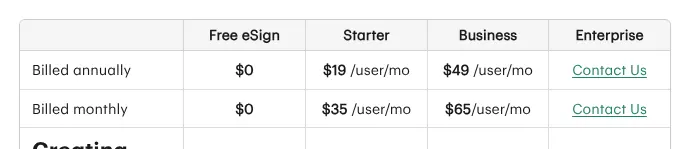
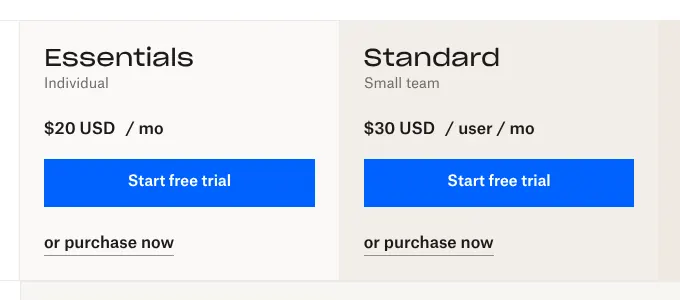
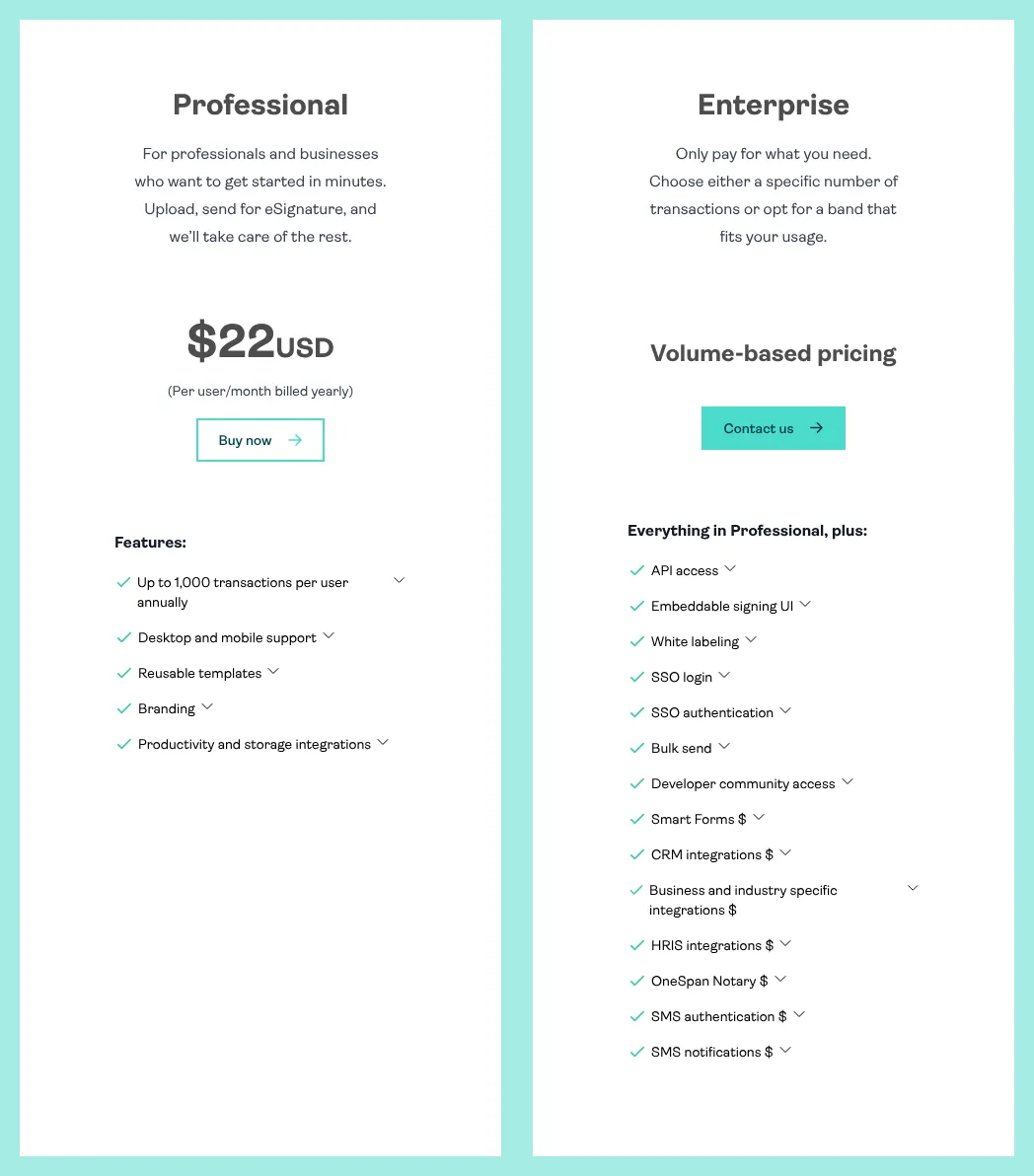
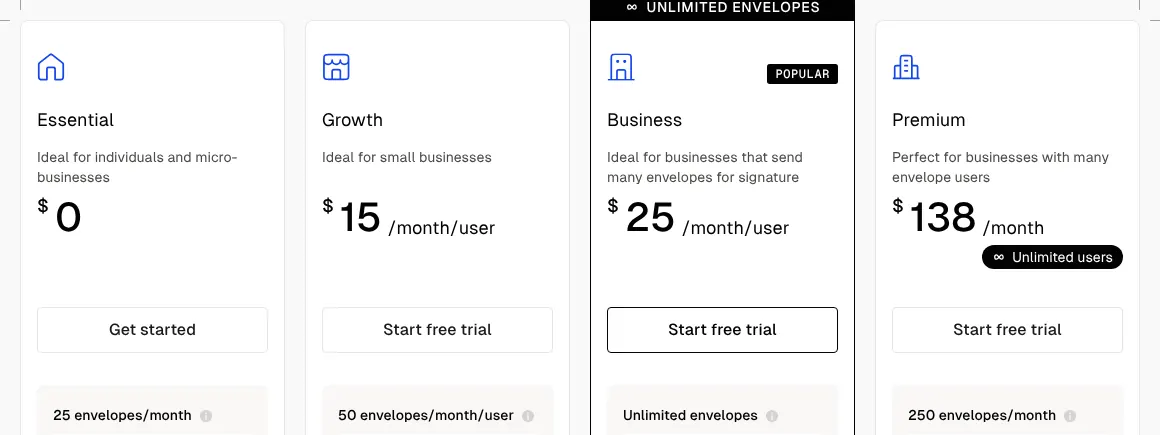
Adobe's pricing pages could not be opened for this comparison, so its prices come from two other sites: Toolradar, and GoodSign, a rival e-signature vendor. Both list Acrobat Pro for teams at $23.99 a month per license, and GoodSign gives it as a yearly commitment. Acrobat Standard, the cheaper plan, also sends documents for signature, but the two sites give it different prices. GoodSign adds that license-based plans include 150 e-signature transactions per user per year.
The features were read in Adobe's developer documentation, API reference and official blog. Those pages do not say which plan includes which feature. Larger companies buy Acrobat Sign Solutions, which GoodSign describes as priced on quote.
- Choose it if
- You are already an Adobe customer and can confirm the plan and its limits with Adobe's sales team.
- Skip it if
- You send many envelopes a year: a limit of 150 transactions per user per year was reported for license plans.
Verdict: Adobe Acrobat Sign matches Docusign feature for feature, but its entry price and plan limits could not be confirmed.